Introduction
In Empress, every DocType has a primary key identified as name. This unique ID is used to locate and manipulate records through the Object-Relational Mapping (ORM). The process of naming docs when creating a new document can be configured in several ways. This guide delves into the technical intricacies of setting up naming in a DocType for seamless integration and ease of use.
Configuring the autoname Property of the DocType
The autoname property of the DocType can be harnessed to set the name of the document. This can be done in various ways:
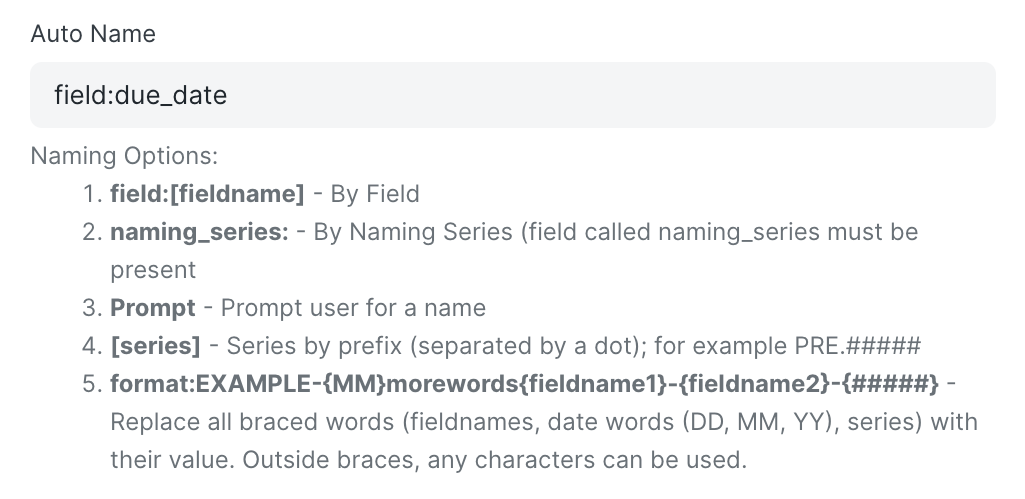
1. field:[fieldname]
In this method, the doc name is derived from the value of the field specified.
naming by field
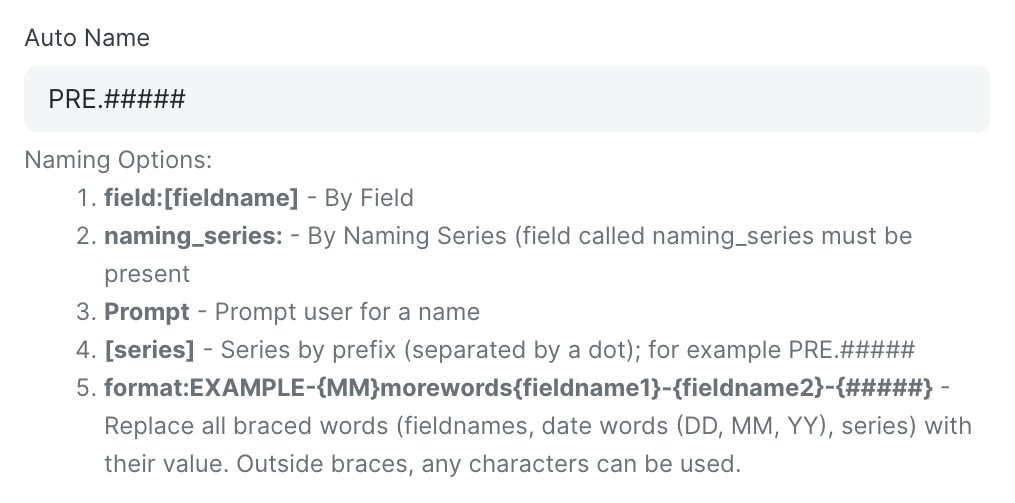
2. [series]
Developers can create a naming pattern that increments automatically. If set as PRE.#####, the first document will be named PRE00001, the second as PRE00002, and so forth.
naming by series
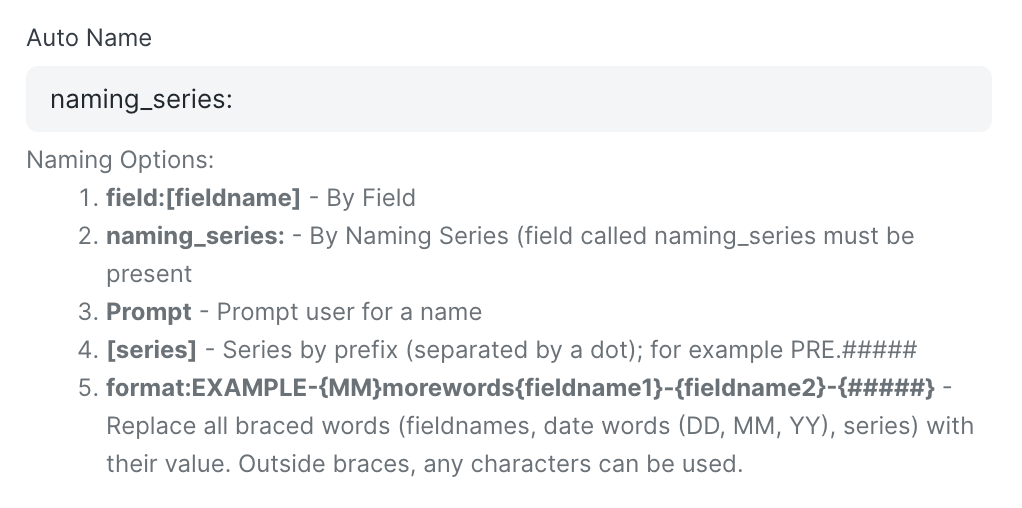
3. naming_series:
With this method, the naming pattern is derived from a field in the document. This means if a naming_series field exists in your document and its value is set as PRE.#####, that pattern will be used to generate the name. The value can change per document, allowing for diverse naming patterns.
naming by series by field
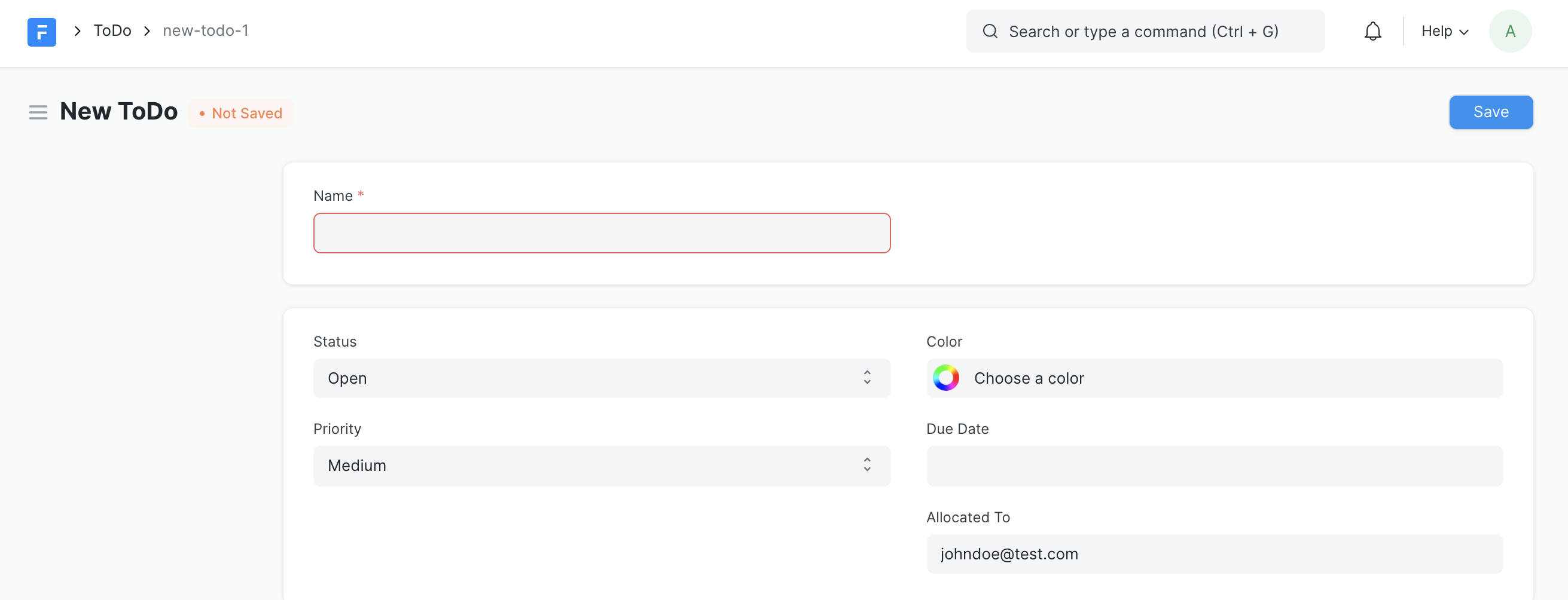
4. Prompt
By setting Prompt, the name must be manually entered by the user.
naming by prompt
5. Format
This method provides the most flexibility for configuring naming schemes. Take the example:
EXAMPLE-{MM}-test-{fieldname1}-{fieldname2}-{#####}
naming by format
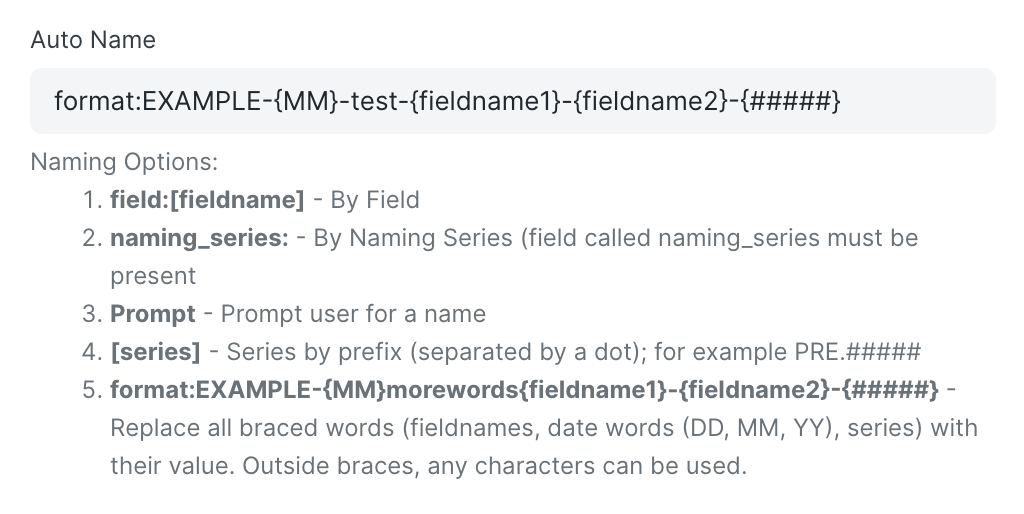
Here, everything outside the curly braces is plain text. Keywords within the curly braces will be evaluated based on their representation. For instance, MM will be replaced by the current month, fieldname1 by the value of fieldname1 in the document, and ##### will generate a series starting with 00001. Thus, your final name might look like: EXAMPLE-02-test-value1-value2-00001.
Naming Programmatically Via Controller Method
Developers can define a name programmatically by declaring an autoname method in the controller class. Here’s an example:
from frappe.model.naming import getseries

class Project(Document):
    def autoname(self):
        # select a project name based on customer
        prefix = `P-{}-`.format(self.customer)
        self.name = getseries(prefix, 3)
Naming Via Document Naming Rule
Developers can also create rules for naming DocTypes by creating a Document Naming Rule. Multiple Document Naming Rules can be created for a particular DocType and applied based on filters.
Document Naming Rule
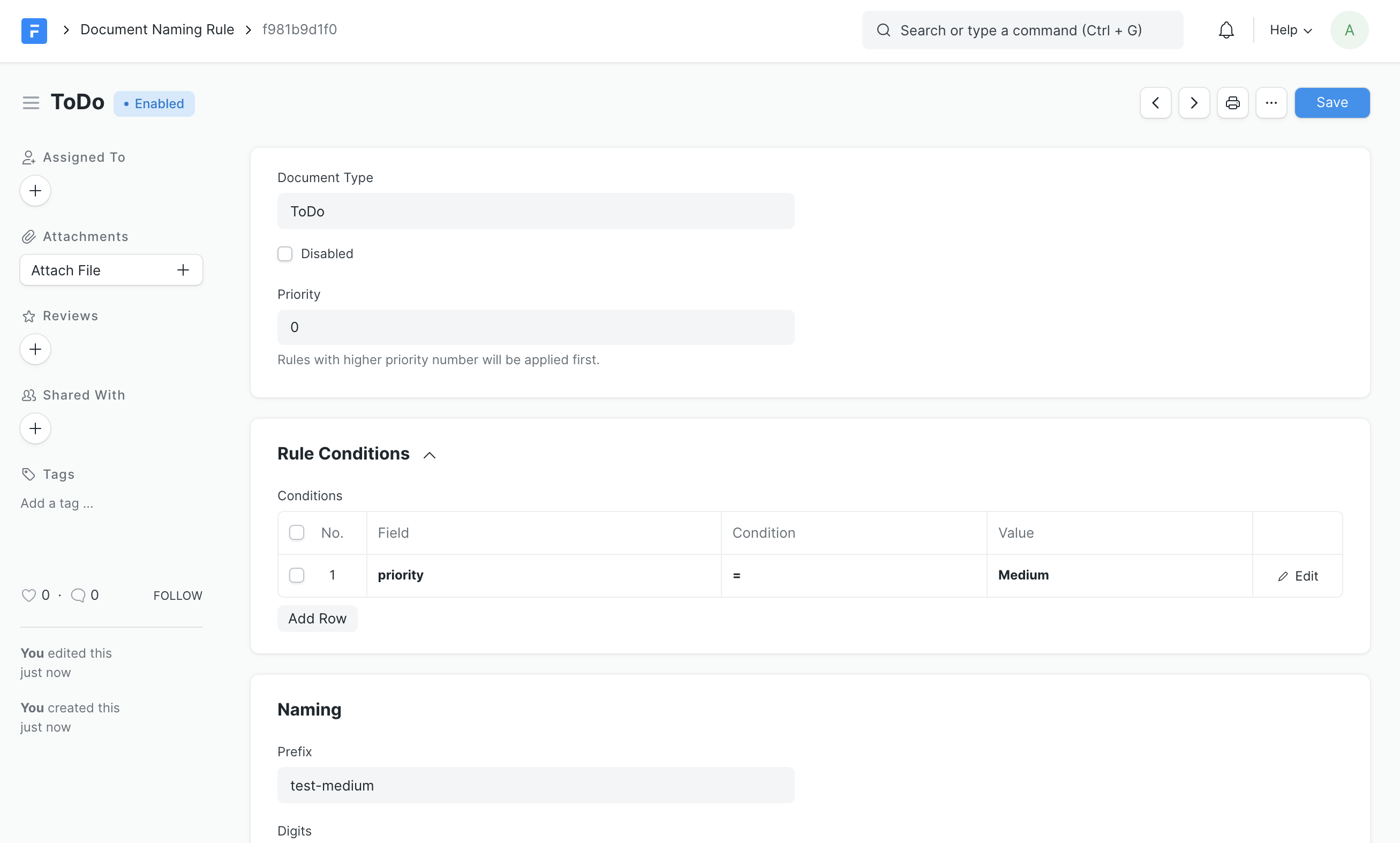
To define a Document Naming Rule, you need to specify:
- The Document Type it is being applied on
- Priority of the rule (rules with higher priority will be applied first)
- Conditions to apply the rule
- Naming Rules
Numbering
Numbering prefixes for the rule can be defined based on the conditions defined. This involves setting a prefix and the number of digits for that rule. For example, creating a separate numbering for high priority todos:
- Prefix: todo-high-
- Digits: 3
This will result in numbering like todo-high-001, todo-high-002, and so on.
Naming Priority
The hierarchy of naming is as follows:
- Document Naming Rule
autonamecontroller methodautonameDocType property
Special Rules
- Child DocTypes do not follow naming rules
- Amended documents have a suffix (
-1,-2etc) to the original document
In conclusion, understanding and effectively utilizing naming conventions in DocTypes is a powerful tool for developers. Proper naming can streamline the development process and enhance customization capabilities, contributing significantly to the creation and management of business solutions within Empress.